Tool/Comparison: Why Your Phone Still Charges Slowly in 2026 (and the Fix Order That Actually Works)
A practical 20-minute workflow to diagnose slow charging by checking protocol, cable quality, and heat before wasting money on new accessories.
Most people assume slow charging means “my phone battery is old.” Sometimes that is true. But in 2026, the more common problem is a mismatch between your charger, cable, and phone’s charging protocol. You can buy a 100W adapter and still get painfully slow results if one part of the chain is wrong.
This is why two people can plug in at the same table and get very different outcomes. One gets 60% in half an hour. The other gets 22% and thinks the phone is dying. The difference is usually not luck. It is setup.
This guide gives you a practical way to diagnose charging speed without buying random accessories. If you fix the basics in the right order, you can often recover fast charging in one day.
1) Start with the bottleneck rule: the slowest part wins
Charging speed follows one hard rule: the weakest component in the chain limits everything else.
Phone limit: Your phone sets a maximum accepted wattage and protocol.
Charger limit: The brick must support compatible profiles (for example USB Power Delivery or PPS).
Cable limit: The cable must safely carry enough current and sometimes support e-marker requirements at higher power.
Thermal limit: Heat can force speed reductions even with perfect hardware.
If one component underperforms, your top speed drops. So a “premium” charger does not guarantee premium results.
2) Check protocol compatibility before wattage marketing
Wattage numbers on packaging are useful, but protocol compatibility matters more. A 67W charger that lacks your phone’s preferred profile can perform worse than a 30W charger that matches correctly.
In practical terms:
Many Android devices now rely on USB PD with PPS behavior for optimal fast charging.
Some brands still have proprietary boosts that only work fully with first-party or certified accessories.
iPhones are strongly optimized around USB-C Power Delivery behavior and sensible thermal control.
Before upgrading hardware, look up your phone model’s supported charging standard in official support docs. If your charger does not expose that standard, you are paying for wattage you cannot use.
3) Cables are not equal: treat them like performance parts
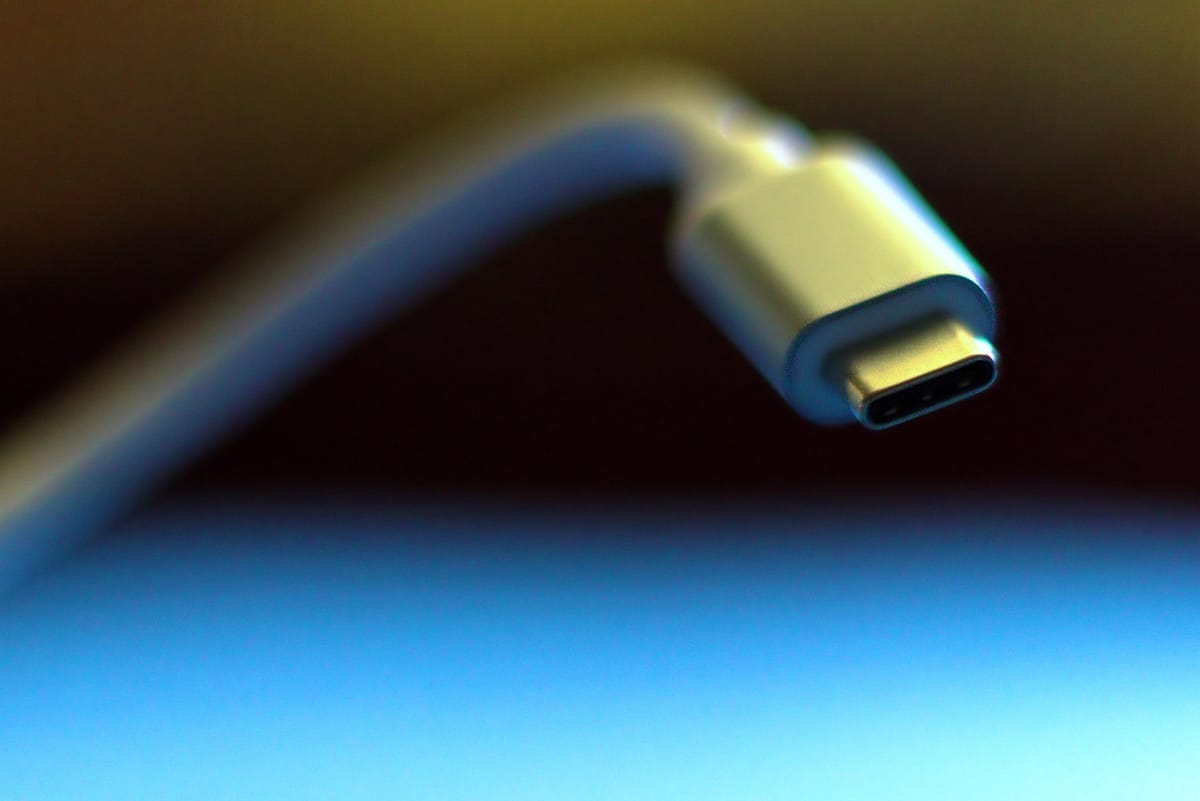
The cable is the most underestimated part of charging speed. Many users rotate old “free cables” and assume all USB-C cables are functionally identical. They are not.
Key realities in 2026:
Some cables are built mainly for data or low current charging.
Higher-power charging often depends on cable quality, gauge, and chip signaling at specific thresholds.
Worn connectors, bent heads, and cheap strain relief can increase resistance and generate heat, lowering speed.
If your phone charges quickly with one cable and slowly with another using the same brick, you already found your likely bottleneck.
4) Heat management is part of charging, not a separate issue
Fast charging is always a thermal balancing act. Modern phones deliberately taper speed when internal temperatures rise. This is normal behavior to preserve long-term battery health and device stability.
Common heat triggers:
Charging while gaming, video calling, or running camera-intensive apps
Charging in direct sunlight or inside hot cars
Thick cases that trap heat during high-power charging windows
If your phone starts fast then slows down sharply, that is often thermal throttling, not a broken charger. Try charging with screen off, in a cooler room, and remove insulating cases during top-up windows.
5) A practical 20-minute diagnostic workflow
Use this sequence before buying anything:
Use the original cable and charger that came with the phone (or the most trusted certified pair you own).
Charge from 20% to 50% with screen off in a cool room and note the gain after 20 minutes.
Swap one variable at a time: first cable, then charger, then wall outlet.
Repeat the same battery window so your comparisons are fair.
Observe temperature and behavior rather than relying only on percentage jumps.
This controlled method quickly reveals whether the issue is cable quality, charger profile mismatch, power source instability, or heat.
6) Accessory buying checklist that prevents wasted money
When you do buy replacements, avoid brand hype and use this decision order:
Match protocol first: USB PD/PPS or official equivalent required by your phone.
Buy realistic wattage: 30W to 45W is enough for many users; higher only helps if your phone can actually use it.
Choose certified, clearly rated cables: avoid unknown listings without technical details.
Prioritize safety and thermal behavior: stable charging is better than short peak bursts.
Keep one known-good baseline kit at home so future troubleshooting is fast.
This approach lowers return cycles, reduces clutter, and protects battery health better than chasing the largest number on the box.
7) Quick accessory comparison: what to buy for your use case
If you are not sure what to purchase, this simple comparison helps:
Light users (overnight charging): A trusted 20W to 30W USB PD charger and one durable cable is usually enough.
Heavy daytime users: Keep a 30W to 45W PD/PPS charger at your desk plus a separate car adapter that supports stable output.
Travel setup: One compact multi-port charger from a reputable brand can replace multiple bricks, but verify per-port output when several devices are connected.
Power users with tablets/laptops: A higher-output USB-C charger can be useful, but only if each device can negotiate compatible profiles.
The key is matching your real behavior, not buying for a theoretical maximum. A reliable mid-power setup often feels faster in daily life than an unstable high-power setup.
Bottom line
Most slow charging problems are system mismatch problems, not battery failure. In 2026, the winning setup is simple: compatible protocol, reliable cable, sensible wattage, and cooler charging conditions. If you diagnose in order instead of guessing, you can usually fix the issue without replacing your phone. Spend on compatibility and reliability first, then upgrade wattage only when your device can actually benefit.
Sources
https://www.usb.org/usb-charger-pd
https://support.apple.com/en-us/108055
https://support.google.com/pixelphone/answer/7106961
https://www.androidauthority.com/usb-power-delivery-need-to-know-3602089/
https://www.usb.org/usb-type-cr-cable-and-connector-specification
https://www.batteryuniversity.com/article/bu-410-charging-at-high-and-low-temperatures